

Avada
Buy / Get themeOverview
Avada is a powerful and immensely flexible theme, but its extensive feature set results in a steep learning curve, significant performance overhead, and severe theme lock-in due to its proprietary shortcode-based builder. Of the 10 reported issues, 6 affect the theme directly, while 4 relate to ecosystem plugin compatibility, indicating that problems are split between the core product and its integrations.
Pros
- Extremely flexible with vast options
- Extensive documentation and tutorials
- Responsive support (within 6 months)
Cons
- Severe theme lock-in from shortcodes
- Known for performance bloat
- Overwhelming for beginners and clients
Analysis
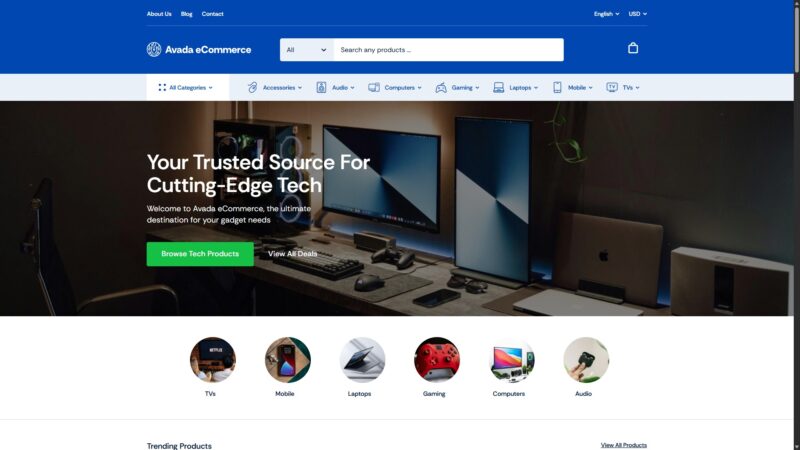
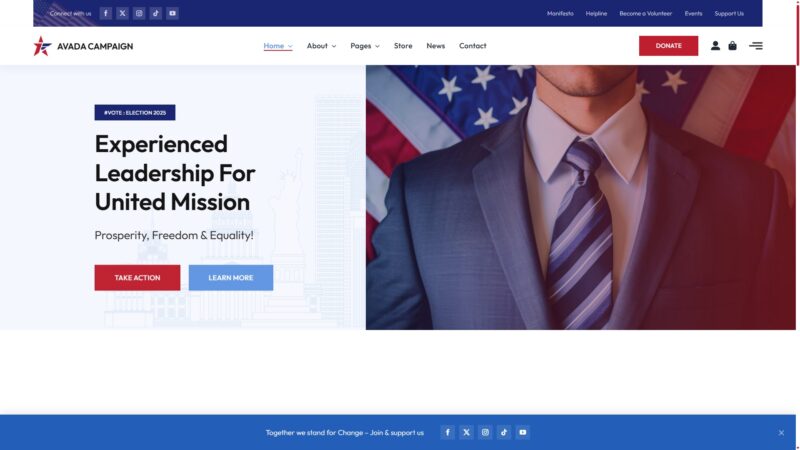
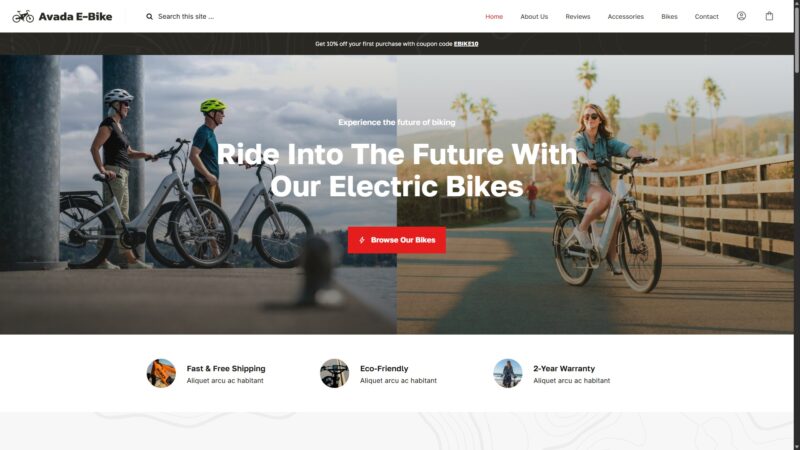
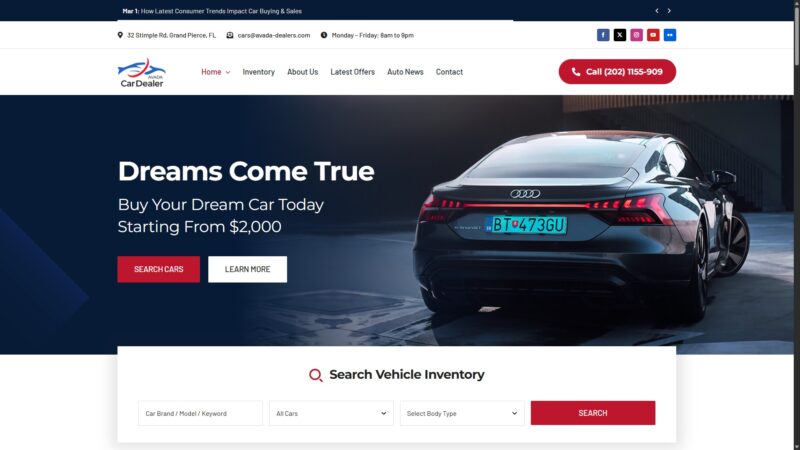
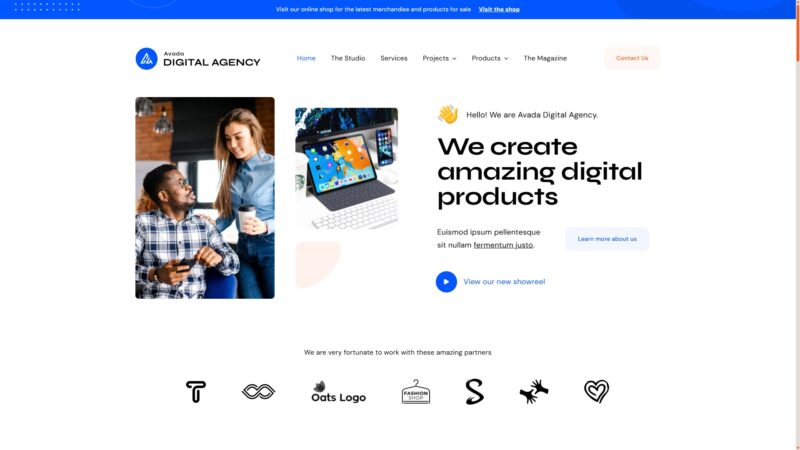
Avada is one of the best-selling WordPress themes of all time, known for its incredible flexibility and a vast array of features that allow developers to build virtually any type of website. It includes its own page builder, form builder, and numerous pre-built website demos, providing a comprehensive toolkit for custom design. This power, combined with extensive documentation and a large user community, has made it a go-to choice for many WordPress professionals over the last decade.
However, Avada’s all-in-one approach comes with significant drawbacks. The theme’s proprietary builder creates severe lock-in; migrating to another theme is a notoriously difficult process that requires rebuilding pages from scratch. It is also known for being resource-heavy, which can lead to slower page load times and poor Core Web Vitals unless paired with aggressive caching and optimization. Furthermore, its complexity, with over 900 options, makes it overwhelming for beginners and unsuitable for projects that need to be handed off to non-technical clients.
The theme’s ecosystem also presents challenges. Users have reported critical conflicts with popular plugins like Yoast SEO, which can cause severe editor slowdowns, and WPML, which can break translated e-commerce pages. Updates have also been known to cause site-breaking errors, making a staging environment essential. While Avada remains a powerful tool in the hands of an experienced developer who will manage the site long-term, its steep learning curve, performance overhead, and lock-in effect make it a cautious choice for modern, performance-focused projects.
Performance
Core Web Vitals (mobile)
| Metric | Mobile | Desktop | Target |
|---|---|---|---|
| LCP (Largest Contentful Paint) | 4.13 |
1.31 |
< 2.5s |
The Mobile PageSpeed score is 85/100 (Good), tested on the vendor's official demo on 2026-01-28. However, the Largest Contentful Paint (LCP) was 4.13 seconds, which is considered poor and indicates a slow initial page load experience for mobile users, corroborating community reports of theme bloat [14].
Avada can be a safe choice if you are an experienced developer prepared to implement advanced caching, a CDN, and other optimization techniques to counteract the theme's known performance bottlenecks [14].
Exercise caution if you expect good performance out-of-the-box, as Avada is known to be a heavy theme that loads assets for all modules, requiring a premium caching plugin to achieve competitive Core Web Vitals scores [14, 17].
Avoid Avada if your primary goal is a lightweight, high-performing website, as its baseline page size is significantly larger than modern, block-based themes, making it difficult to compete on speed without extensive optimization work.
Tested URL: https://avada.website/classic/. View PageSpeed Insights report.
Client Handoff
How easy it is to hand this theme off to a client without ongoing developer support.
Score breakdown
| Criterion | Rating |
|---|---|
| Panel complexity | overwhelming |
| Documentation quality | excellent |
| Learning curve | days |
This theme is suitable for experienced developers who will be the sole managers of the website and can leverage the extensive options without needing to train a client on its complex interface.
Use caution when building a site for a client, as the overwhelming number of options and non-standard builder can make it nearly impossible for them to manage content without breaking the design [9].
Avoid Avada for projects that require a simple handoff to non-technical clients, as the complexity often necessitates restricting client access to theme options entirely to prevent accidental site-breaking changes.
Scout recommendation
Avada is not recommended for projects requiring client handoff due to its overwhelming complexity. Agencies report that its 900+ options are impractical for clients, often leading to frustration and support requests [9].
Alternatives: Kadence, GeneratePress
Pricing
Available plans
| Plan | Price | Type | Includes |
|---|---|---|---|
| Regular License | $69 | Single site, end users not charged | |
| Extended License | $2,950 | Single site, end users can be charged |
Plugin Compatibility
| Plugin | Category | Status | Notes |
|---|---|---|---|
| WooCommerce | E-commerce | Partial support | Works generally, but users report conflicts when combined with WPML, leading to broken content on translated product pages. |
| Yoast SEO | SEO & Marketing | Partial support | A significant conflict has been reported where having Yoast active causes severe 10-15 second delays when editing text in the Avada Builder. |
| WPML | Multilingual | Partial support | Requires complex configuration to work correctly with Avada's layouts and has been implicated in breaking WooCommerce product pages on translated sites. |
| The Events Calendar | Events | Partial support | A past version of Avada (6.10.2) was reported to cause 404 errors on calendar day and month archive pages when this plugin was active. |
Demo Gallery










Community Feedback
Analysis based on user reviews and discussions from public forums, social media, and WordPress community sites.
FAQ
Sources & Methodology
Data confidence: HIGH (25 analytical sources, 25 total)
- [[1]] Reddit — social
- [[2]] Reddit — social
- [[3]] Reddit — social
- [[4]] WordPress.org Forums — forum
- [[5]] Reddit — social
- [[6]] Reddit — social
- [[7]] Avada Documentation — documentation
- [[8]] Jetpack Blog — review_site
- [[9]] Reddit — social
- [[10]] WPMarmalade — review_site
- [[11]] Reddit — social
- [[12]] WPML Forums — forum
- [[13]] WPML Support — Official docs
- [[14]] WP Rocket Blog — review_site
- [[15]] WPFellows — review_site
- [[16]] WPCrafter — review_site
- [[17]] Mito Studios Blog — review_site
- [[18]] SiteSaga — review_site
- [[19]] PluginTheme.net — review_site
- [[20]] Reddit — social
- [[21]] WordPress.org Forums — forum
- [[22]] Reddit — social
- [[23]] SupportHost — review_site
- [[24]] Avada Documentation — documentation
- [[25]] ThemeForest — marketplace
Analysis date: December 14, 2025
Compare Avada with…
Side-by-side data comparisons against similar themes.