
Enfold
Overview
Enfold is a long-standing multipurpose theme known for its excellent support and one-time payment model, making it a stable choice for legacy projects. However, its reliance on a proprietary backend builder creates significant vendor lock-in, it suffers from poor performance on modern metrics, and it is completely incompatible with popular page builders like Elementor.
Pros
- Excellent and highly responsive customer support
- One-time payment with lifetime updates
- Actively maintained with regular security patches
Cons
- Proprietary builder creates permanent theme lock-in
- Complete incompatibility with the Elementor page builder
- Poor mobile performance and Core Web Vitals scores
Analysis
Enfold is a veteran multipurpose theme from ThemeForest that has maintained a large user base for over a decade, largely due to its one-time purchase price, lifetime updates, and consistently excellent customer support. It is built around a proprietary backend page builder, the Advanced Layout Builder, which offers a wide array of customization options and has proven to be a stable and reliable tool for many developers over the years. The theme is also actively maintained with regular security patches and compatibility fixes.
However, Enfold’s greatest historical strength—its all-in-one proprietary builder—is now its most significant weakness. This system creates severe vendor lock-in, as all content created with it is lost if you ever switch themes, forcing a complete site rebuild. Furthermore, the theme is completely incompatible with modern, popular page builders like Elementor. Its aging architecture also struggles to keep up with current performance standards, resulting in poor mobile PageSpeed scores and consistent failures to pass Google’s Core Web Vitals.
Ultimately, Enfold is a product of a previous era of WordPress development. It remains a viable option for developers maintaining legacy websites or for new projects where its specific demos are a perfect fit and long-term performance is not the primary concern. For most new builds, however, its dated workflow, performance issues, and lack of flexibility make it a difficult choice to recommend over modern themes built for the Gutenberg block editor or other mainstream page builders.
Performance
Core Web Vitals (mobile)
| Metric | Mobile | Desktop | Target |
|---|---|---|---|
| LCP (Largest Contentful Paint) | 3.03 |
3.42 |
< 2.5s |
The mobile PageSpeed score is 40/100 based on a test of the official demo site on 2026-02-22. This poor score is accompanied by a mobile LCP of 3.03s, which fails Google's Core Web Vitals threshold and indicates significant performance issues out of the box.
Use Enfold with caution on performance-sensitive projects, as community members consistently report that sites built with the theme fail Google's Core Web Vitals assessments even after optimization efforts [8].
Avoid Enfold if your project has a strict requirement to pass Core Web Vitals or achieve high mobile PageSpeed scores, as the theme has documented cases of excessively high Time to First Byte (TTFB) and slow load times compared to modern alternatives [9], [10].
Tested URL: https://kriesi.at/themes/enfold-2017/. View PageSpeed Insights report.
Client Handoff
How easy it is to hand this theme off to a client without ongoing developer support.
Score breakdown
| Criterion | Rating |
|---|---|
| Panel complexity | complex |
| Documentation quality | good |
| Learning curve | days |
Enfold is a safe choice if the end-user only needs to perform basic content edits and will not be responsible for creating or modifying complex page layouts.
Use caution when handing off to clients with limited technical skills, as the complex theme options panel and backend-only page builder can be overwhelming and confusing for beginners [13], [15].
Avoid Enfold for projects where the client expects a modern, intuitive, front-end editing experience, as its "wireframe-style" backend builder has a clunky workflow that requires constant saving and previewing to see changes [15].
Scout recommendation
Enfold is best suited for developers building sites for clients who require minimal ongoing layout changes. For clients who need to build pages themselves, a theme utilizing the native block editor or a modern page builder is a more user-friendly alternative.
Alternatives: Kadence, Blocksy, GeneratePress
Pricing
Available plans
| Plan | Price | Type | Includes |
|---|---|---|---|
| Regular License | $59 | Single site, end users not charged | |
| Extended License | $2,799 | Single site, end users can be charged |
Plugin Compatibility
| Plugin | Category | Status | Notes |
|---|---|---|---|
| Elementor | Page Builder | Not tested | The theme author explicitly states that Enfold is not designed to work with Elementor and they do not offer support for it. |
| WPML | Multilingual | Full support | Enfold maintains full and official compatibility with WPML and is recommended by the WPML team as a compatible theme. |
| Advanced Custom Fields (ACF) | Developer Tool | Partial support | The theme has known issues with advanced ACF fields, such as multi-select options, which may not work correctly without custom code. |
| WooCommerce | E-commerce | Full support | No major compatibility issues were reported in the available research; the theme is marketed as multi-purpose. |
| Wordfence | Security & Backup | Full support | The theme's changelog mentions specific patches related to WordFence, indicating active compatibility monitoring and support. |
Demo Gallery



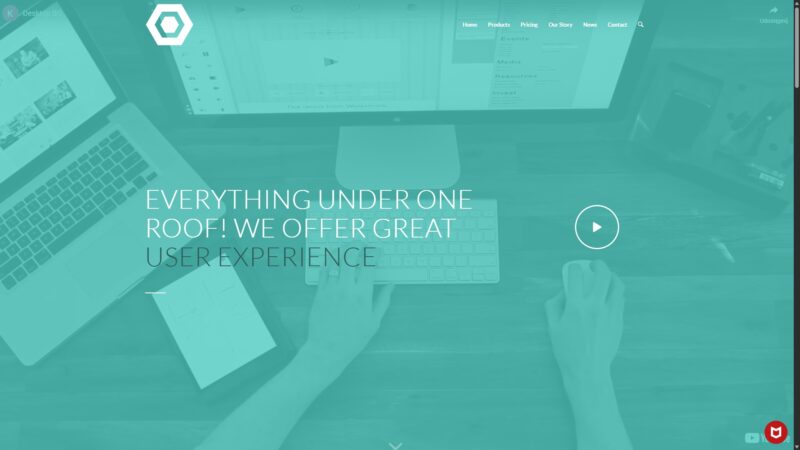
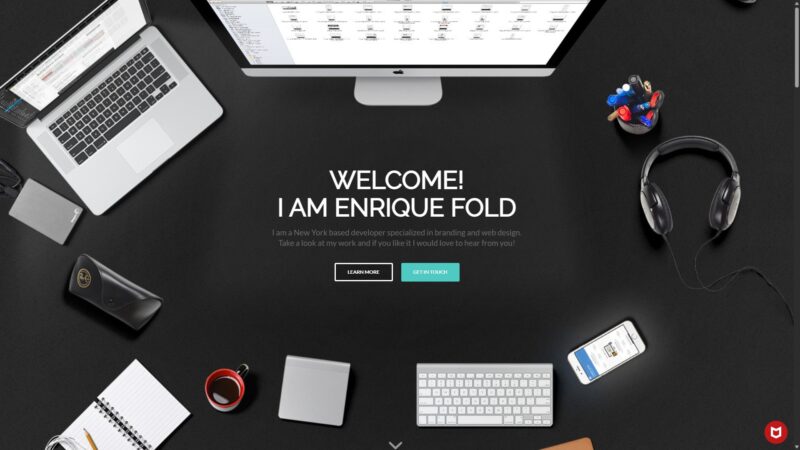
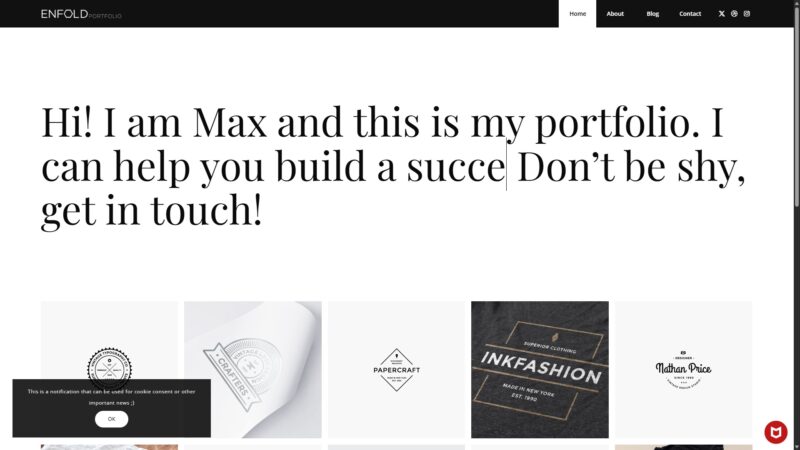
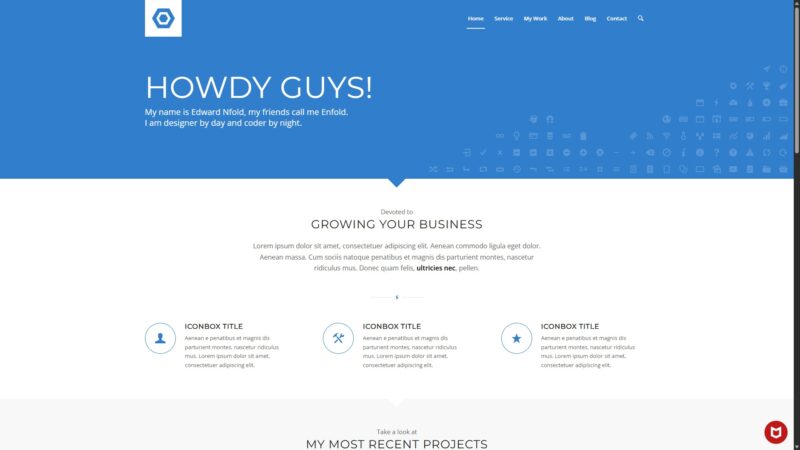
Community Feedback
Pain points were identified by analyzing user discussions, support forums, and professional reviews.
FAQ
Sources & Methodology
Data confidence: HIGH (26 analytical sources, 26 total)
This analysis is based on a combination of official documentation, marketplace data, user reviews from forums and social media, and independent performance tests.
- [[1]] ThemeForest — marketplace
- [[2]] WordPress.com Forums — forum
- [[3]] Kriesi Support — forum
- [[4]] Reddit — social
- [[5]] Kriesi Support — forum
- [[6]] Freshvanroot Blog — review_site
- [[7]] Kriesi Support — forum
- [[8]] WordPress.org Forums — forum
- [[9]] Elementor Help — documentation
- [[10]] ZSE Glogow — review_site
- [[11]] WordPress.org Forums — forum
- [[12]] Reddit — social
- [[13]] WordPress.org Forums — forum
- [[14]] CreativeMinds Docs — documentation
- [[15]] Kriesi Support — forum
- [[16]] Kriesi Support — forum
- [[17]] WPML — documentation
- [[18]] WPFellows — review_site
- [[19]] Reddit — social
- [[20]] Tuts+ — review_site
- [[21]] Reddit — social
- [[22]] Kriesi Documentation — documentation
- [[23]] WP All Import — review_site
- [[24]] WordPress.com Forums — forum
- [[25]] WPML — documentation
- [[26]] ThemeForest — marketplace
Analysis date: January 18, 2026
Compare Enfold with…
Side-by-side data comparisons against similar themes.